
Blog
USB vs XLR Microphones: Which Is Better?

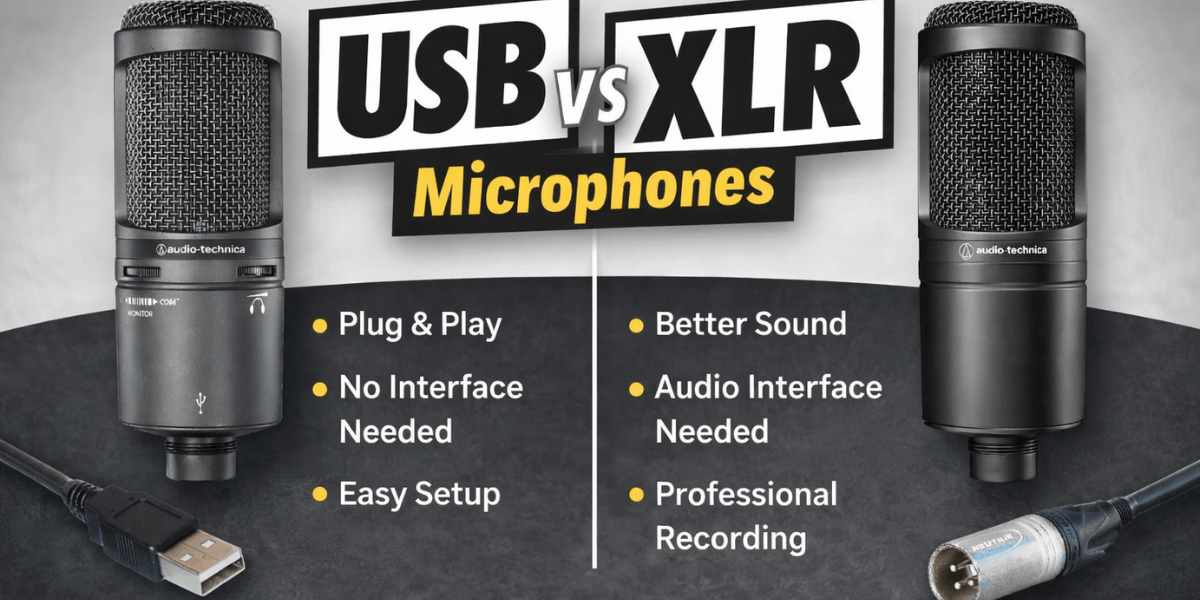
Selecting the right microphone is crucial for content creators, podcasters, and musicians. Your choice affects the quality, workflow, and overall recording experience. Among the most common options, the USB vs XLR microphones debate dominate the market. Each has unique advantages, and understanding these differences will help you pick the microphone that fits your needs perfectly.
If you are just starting out or aiming for professional-grade recordings, knowing the strengths and limitations of each type can save you time, money, and frustration. Let’s break down the details and see which microphone best suits your goals.
What are USB and XLR Microphones?
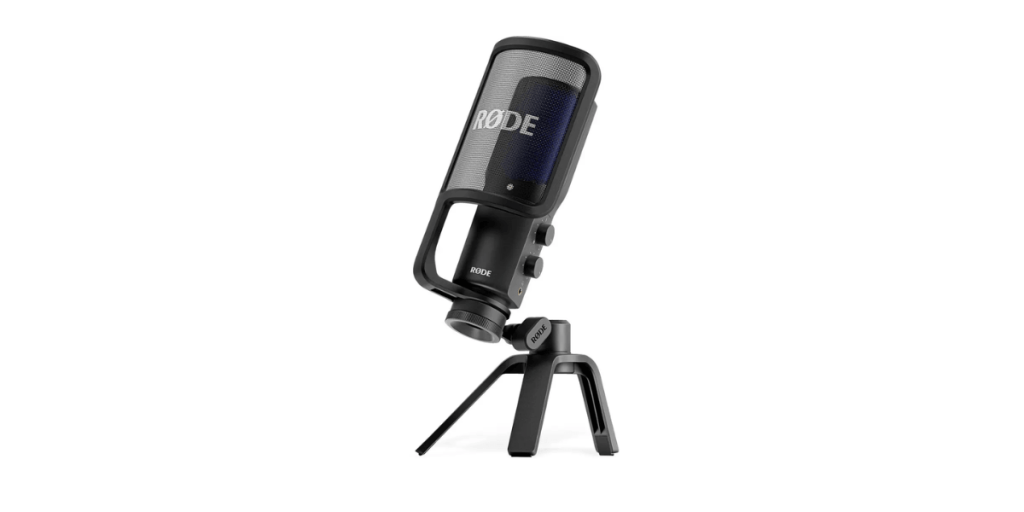
USB microphones connect directly to your computer using a standard USB port. They contain built-in analog-to-digital converters, making them very easy to use. Many beginners favor USB microphones because no extra gear is required. Some of the best podcast microphones for beginners fall into this category due to their affordability, portability, and convenience. You can record immediately without setting up a complex studio environment.
XLR microphones, in contrast, are designed for professional use. They use a three-pin XLR connection and require additional equipment, such as an audio interface or a mixer. While this setup may seem complicated for beginners, XLR microphones provide greater control over sound quality. They offer superior versatility for advanced projects and are widely used in recording studios, live events, and professional podcasting setups.
Key Advantages and Challenges of USB Microphones
Pros:
- Simple, plug-and-play operation
- Portable and easy to transport
- Cost-effective for beginners
- Great for podcasts, streaming, and casual recording
Cons:
- Limited control over sound settings
- Fewer options for advanced audio processing
- Audio quality may not meet professional standards
USB microphones are ideal for creators who want simplicity without sacrificing decent sound. You can also compare prices for microphones in Pakistan at Golden Camera to find the one that fits your budget and goals. We offer several USB microphone options to help you choose a device for your needs.
Benefits and Drawbacks of XLR Microphones
Pros:
- Exceptional audio fidelity for vocals and instruments
- Fully customizable with audio interfaces or mixers
- Standard for professional studios and live performances
- Works with a wide range of professional equipment
Cons:
- Requires extra gear, increasing initial setup complexity
- Higher cost than USB microphones
- Less portable for casual use
If you are serious about producing professional audio, following an XLR microphone setup guide is highly recommended. This ensures your microphone performs at its best, capturing clear, rich, and balanced sound.
Continue reading to learn about the key differences between USB and XLR microphones:
1. Practical Applications
USB microphones shine in situations where convenience matters. They are perfect for home studios, YouTube creators, remote work, and beginner podcasts. Many content creators value USB mics for their simplicity and plug-and-play nature. You can quickly record interviews, voiceovers, or live streams without worrying about connecting audio interfaces or adjusting preamps. However, some advanced USB mics can support small multi-mic setups with interfaces.
XLR microphones dominate professional setups. Studio musicians, broadcasters, and advanced podcasters prefer them because they offer complete control over audio quality. These microphones excel at capturing vocals, instruments, and complex soundscapes. XLR mics are versatile in multi-mic setups, live recordings, and professional studio environments.
A popular instrument-learning guide, Music Trendz, has explained that XLR microphones are more professional-grade and ideal for future upgrades. Additionally, they need extra hardware, such as an audio interface, and involve a more complex setup process.
2. Budget and Long-Term Investment
USB microphones generally cost less, making them accessible for beginners and hobbyists. You get decent sound quality without investing in additional gear. XLR microphones require a higher initial investment due to the necessary interfaces and mixers, but they often last longer and allow upgrades. Serious content creators may find XLR setups more cost-effective in the long run due to the flexibility and professional sound quality.
Budgeting for microphones also includes accessories. Pop filters, shock mounts, and stands can improve recordings. Beginners often find USB mics simpler because fewer accessories are required, while XLR setups may need multiple components for optimal performance.
3. Understanding the Audio Quality
Sound quality is a major factor in the USB mic vs XLR audio quality debate. XLR microphones are renowned for capturing detailed, rich, and natural sound. They excel at accurately capturing and preserving vocal nuances, instrumental tones, and subtle dynamic shifts, ensuring a rich, detailed sound. This capability is especially crucial in contexts such as professional music recording, high-quality podcasting, and video production, where even the tiniest detail can significantly impact the final output.
Although typically considered less professional than XLR microphones, USB microphones can still deliver clear, high-quality recordings. Many modern USB mics are studio-quality and ideal for a variety of uses, such as streaming, casual podcasts, and basic YouTube videos. Many modern USB mics feature improved converters and built-in preamps, enabling them to produce surprisingly good audio quality despite their simplicity.
However, in demanding situations, USB microphones may not match the warmth and depth of an XLR mic. For creators focused on high-quality sound production, XLR is often the better long-term investment.
4. Workflow and Setup Considerations
Your workflow can determine which microphone suits you best. USB microphones work directly with computers, making them ideal for solo creators or small teams. They are particularly convenient for recording from home or remote locations, as they require minimal setup.
According to a well-known tech review site, AtoZ Ranking, USB microphones are easy to use and budget-friendly. They are perfect for solo streamers seeking a straightforward setup.
XLR microphones offer more flexibility but demand additional hardware, such as mixers, preamps, and interfaces. This makes them suitable for studios or advanced setups that require precise control and high-quality recordings. Understanding your workflow helps you choose a microphone that fits your productivity style and recording needs.
USB vs XLR Microphones: A Comparison Table
| Feature | USB Mic | XLR Mic |
| Connection | USB | XLR + interface |
| Setup | Easy | Requires gear |
| Audio Quality | Good | Professional |
| Cost | Affordable | Higher |
| Portability | High | Medium |
| Best For | Beginners, streaming | Studio, professional recording |
Beginner-Friendly Tips
If you’re new to podcasting, investing in the best podcast microphones for beginners can make recording simpler and more enjoyable. Start your recording journey with these simple tips:
- USB microphones are perfect for beginners due to their plug-and-play ease.
- XLR microphones are great to learn once you want higher audio quality.
- Mic placement matters; position correctly for clear, professional sound.
- Pop filters and foam shields help reduce plosives and background noise.
Following these tips helps your recordings sound polished while keeping the learning curve manageable.
Advanced Tips for XLR Users
Take your recordings to the next level with these expert tips:
- Use a quality preamp to boost your audio signal.
- Experiment with mic placement to find the best tone.
- Use a mixer or audio interface for real-time sound control.
- Layer multiple microphones for richer recordings.
- Record in acoustically treated spaces to minimize reflections and noise.
These techniques allow advanced users to achieve professional results.
FAQs
1. What is the difference between USB and XLR microphones?
USB microphones connect directly to computers and are easy to use, requiring no additional equipment. XLR microphones use a three-pin connection and need audio interfaces or mixers. They deliver higher-quality sound and flexibility, making them ideal for professional recordings and multi-microphone setups.
2. Which mic type is better for podcasting?
USB microphones are best for beginners due to their simplicity and quick setup. Advanced podcasters often prefer XLR microphones for superior sound quality and more control over audio. The choice depends on your level, equipment, and desired recording quality.
3. Can I use an XLR mic with my laptop?
Yes, but you need an audio interface or mixer to connect an XLR microphone to a laptop. These devices convert the analog audio signal to digital, allowing your computer to record or stream. Proper setup ensures professional-quality recordings.
4. Are USB microphones easier for beginners?
Yes. USB microphones are plug-and-play and require no extra gear. They are perfect for beginners starting podcasts, streaming, or casual recording. USB mics allow you to start recording immediately without technical hurdles.
5. Which microphones give the best audio quality for YouTube videos?
XLR microphones paired with high-quality audio interfaces offer the best sound. They provide clarity, warmth, and professional fidelity. USB microphones can work for casual YouTube content, but XLR mics are the top choice for professional video creators.
Final Thoughts
Choosing between USB and XLR microphones depends on your experience level, recording environment, and goals. USB microphones offer simplicity, portability, and affordability, making them excellent for beginners and casual creators. In contrast, XLR microphones, while requiring additional setup, provide unmatched audio fidelity, flexibility, and professional-level results.
Finding the best podcast microphones for beginners helps new podcasters focus on content without worrying about complicated setups. By assessing your needs, workflow, and budget, you can select the microphone that delivers the best audio for your projects.
Upgrade your audio setup today with Golden Camera, the best camera shop in Karachi. You can discover the best USB and XLR microphones and accessories that fit your budget and recording needs. Bring professional sound quality into your recordings with expert equipment and support.