
Blog
What Are MIDI Controllers, And How Do They Work?

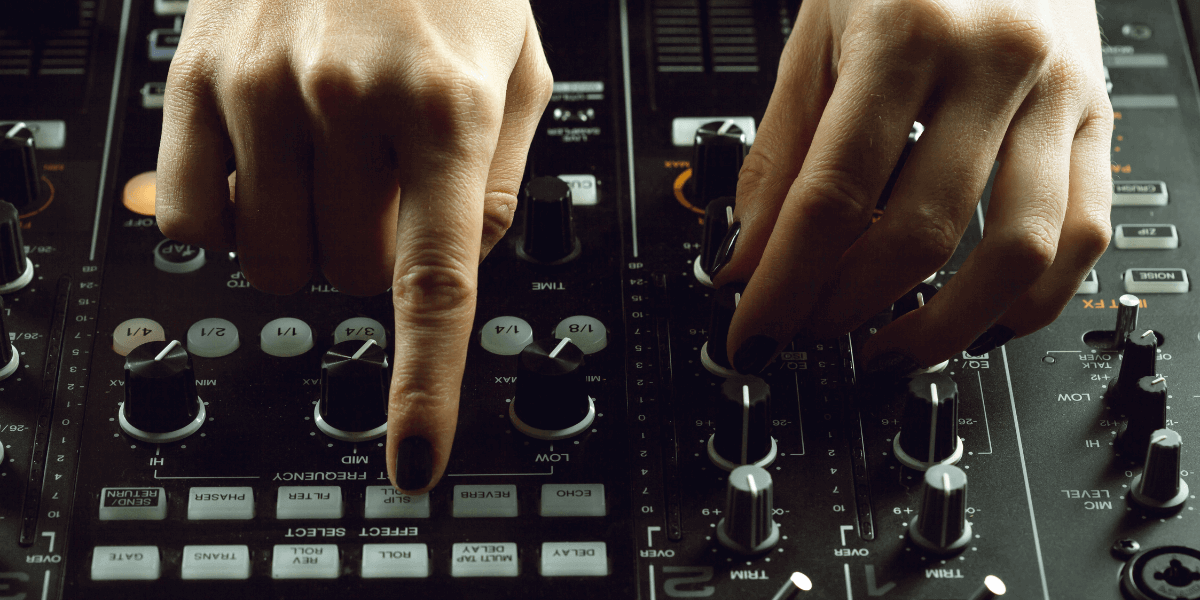
Stepping into a music production studio or browsing gear online, chances are you’ve come across the term MIDI controller. If you’re a beginner producer, a hobbyist, or simply curious about music technology, understanding what a MIDI controller is and how it works can unlock endless creative possibilities. Let’s break it all down in a simple, easy-to-digest way.
What is a MIDI Controller?
At its core, a MIDI controller is a handy hardware device that sends MIDI (Musical Instrument Digital Interface) data to other gear, usually to a computer or similar equipment, such as a synthesizer. Unlike traditional instruments, MIDI controllers don’t create sound by themselves. Instead, they act as a bridge, sending instructions like what note to play, how long to hold it, or how loud it should be.
This data is then interpreted by a software instrument, like a virtual piano, drum machine, or synthesizer, turning it into real sound you can hear. Think of it as a remote control for your music software, making everything easy to manage.
How MIDI Controllers Work
MIDI controllers operate by transmitting MIDI messages to compatible software or instruments. When you hit a key or twist a knob, the controller doesn’t create a sound; it simply sends information like:
- Note On/Off – When a key is pressed or released.
- Velocity – Press the keys firmly.
- Pitch and Modulation – Expressive controls.
- Control Change (CC) – Used for things like volume, filters, and effects.
- Program Change – Switches between sounds or presets.
These messages are sent through USB or MIDI cables into a DAW (Digital Audio Workstation) such as FL Studio, Logic Pro, or Ableton Live. The DAW reads these messages and plays the corresponding sound using plugins or software instruments.
Types of MIDI Controllers
Not all MIDI controllers look or function the same. There are several types, each designed to cater to different production styles and workflows.
1. Keyboard MIDI Controllers
These are the most common types. They resemble digital pianos and come in various key counts, typically 25, 49, 61, or 88 keys. Ideal for those who want to play melodies, chords, or basslines.
2. Pad Controllers
Perfect for beatmakers, these use velocity-sensitive pads to trigger drum samples, loops, or effects. Think Akai’s MPC series or Novation Launchpad.
3. Control Surfaces
These mimic the layout of a mixer and are great for hands-on control over faders, knobs, and transport controls in your DAW. They’re perfect for mixing engineers.
4. Wind and Guitar MIDI Controllers
These niche MIDI devices allow wind or guitar players to control virtual instruments with familiar playing techniques. Great for live performances or orchestral composition.
How to Use a MIDI Controller
Using a MIDI controller isn’t rocket science; it just takes a little setup and practice.
Step 1: Connect Your Controller
Most controllers connect via USB and are auto-detected by DAWs. Old models may need a MIDI interface.
Step 2: Launch Your DAW
Open your DAW and select your MIDI controller in settings.
Step 3: Load a Virtual Instrument
Instruments from your DAW’s plugin library.
Step 4: Play and Record
Press keys or pads to play sounds. Record MIDI for editing.
Why Use a MIDI Controller?
Sure, you can click notes into your DAW manually, but MIDI controllers bring expression and efficiency to your workflow.
Expressive Playing
Velocity sensitivity, aftertouch, and modulation wheels let you add emotion and movement to your sounds.
Speed and Workflow
Controllers streamline music creation. Rather than drawing in automation curves or note velocities, you can capture them in real-time with physical control.
Flexibility
One controller can play many instruments. Switch plugins to change sounds.
Getting One For Yourself
When researching the prices of MIDI controllers in Pakistan, expect variations based on brand, features, and size. From entry-level 25-key controllers to premium 61 or 88-key models with faders, pads, and software. The best part is that you can easily find one for yourself from Golden Camera.
Common Features to Look For
Velocity-Sensitive Keys or Pads
This ensures your playing dynamics are captured accurately.
Assignable Knobs and Faders
Ideal for tweaking filters, effects, and EQ in real-time.
Modulation and Pitch Wheels
For adding expression to synths and instruments.
Aftertouch Support
More sophisticated, yet it provides greater expressive control during note holding.
FAQs
1. Can I use a MIDI controller without a computer?
Some standalone MIDI controllers can control hardware synths, but most require a computer and DAW for sound generation.
2. Do I need to know how to play the piano to use a MIDI controller?
Not at all! While it helps, many producers use MIDI controllers to input notes manually or play by ear.
3. Are MIDI controllers only for electronic music?
Definitely not. They’re widely used in hip-hop, pop, orchestral scoring, and even live worship music.
4. Can I connect a MIDI controller to my phone or tablet?
Yes, as long as your device supports OTG (On-The-Go) USB connections and your controller is compatible with mobile apps.
5. What’s the difference between a MIDI keyboard and a digital piano?
A digital piano generates its own sound, whereas a MIDI keyboard is used to control other sounds through software.
6. Is it better to start with a small controller or a full-sized one?
It depends on your space and goals. Beginners often start with 25 or 49 keys. You can always upgrade later.
Final Thoughts
To wrap things up, a MIDI controller is a vital tool for modern music creators. It gives you control, expression, and freedom to shape your sound the way you want. If you’re producing tracks in your bedroom studio or scoring films, knowing how MIDI controllers work and how to use them can make a huge difference in your music-making journey.
Looking to get your hands on one? Golden Camera is a reliable camera shop in Pakistan that also deals in music gear. If you’re after an entry-level pad controller or a pro-grade MIDI keyboard, they’ve got you covered.