
Blog
How to Shoot Cinematic Videos with a DSLR

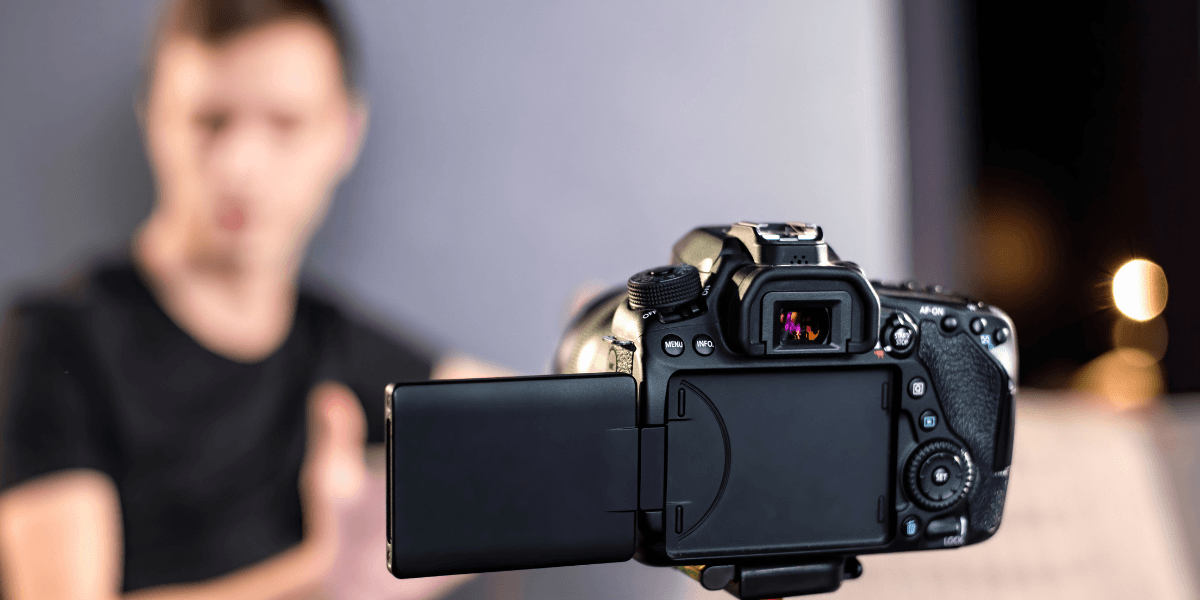
You picked up a DSLR because you wanted more than what a phone camera could give you. Now you are staring at a screen full of settings, frame rates, and aperture numbers, and that cinematic footage you had in your head still feels miles away. Fortunately, the gap between home-video footage and genuinely film-like visuals is not about budget. It is mostly about understanding a handful of settings and techniques that professional videographers use every single shoot.
Understanding the Cinematic Look
Before touching a single dial, it helps to understand what actually makes footage look “cinematic.” It is a combination of shallow depth of field, natural motion blur, deliberate composition, and controlled color. None of that is exclusive to big-budget film cameras. Your DSLR can achieve it if you know how to shoot cinematic footage.
The Psychology Behind Cinematic Footage
There is a reason movies feel different from home videos, even when you cannot put your finger on why. Years of watching 24fps content at a certain shutter speed have trained the human brain to associate a specific quality of motion blur with “cinema.” Our eyes expect a slight softness in moving objects, a shallow focus on the subject, and a color palette that feels intentional rather than accidental. Knowing this gives you something concrete to aim for.
The Foundation: DSLR Video Settings for a Cinematic Look
Getting the right DSLR video settings for a cinematic look is the single most impactful thing you can do before you even think about composition or movement. Get these wrong and no amount of grading will save your footage.
Frame Rate: Why 24fps Is Still the Ideal
According to Adobe, most videos are shot at 24 or 30 fps. At 24 fps, you get the film-like quality audiences immediately associate with cinema. At 30 fps, the footage feels more like a TV broadcast. If your goal is cinematic video with a DSLR, set your camera to 1920×1080 at 24fps. Shoot a scene at 60 fps and drop it onto a 24 fps timeline, and you get roughly 2.5x slow motion, which is useful creatively, but for everyday cinematic work, 24 fps is the foundation.
The 180-Degree Shutter Rule
As Ryan Koo published in his guide for the No Film School, motion picture cameras traditionally use a 180-degree shutter, meaning the shutter remains open for half of each frame cycle. In practical terms, this results in a shutter speed that is roughly half of the frame rate.
For example, when shooting at 24 frames per second, the ideal shutter speed would be around 1/48. Since many DSLRs do not offer this exact setting, using the closest available option, such as 1/50 or 1/60, works just fine.
This approach produces motion that feels natural and “cinematic.” However, adjusting shutter speed can dramatically change the look of your footage. Faster shutter speeds reduce motion blur, creating a sharper but more staccato or choppy effect, often used in intense action scenes. Slower shutter speeds increase motion blur, resulting in smoother-looking movement.
While there is flexibility depending on the creative goal, a good rule of thumb, especially for beginners, is to keep the shutter speed as close as possible to half of the frame rate.
This rule separates amateur footage from polished content more than almost anything else. Set your shutter to double your frame rate: 24fps to 1/50, 30fps to 1/60, for natural motion blur. Breaking this rule makes the footage choppy or overly smooth. Follow it for cinematic weight after.
Aperture, ISO, and White Balance
Shooting wide open at f/1.8 or f/2 gives you that creamy background separation that defines the best DSLR settings for video. The background blurs, the subject pops, and the frame feels deliberate for wide shots where sharpness throughout the frame matters, step up to f/8 or f/11.
According to Iris, ISO refers to the sensitivity of the camera sensor to light. For daylight, ISO 100 or 200 is clean and noise-free. In low light, try to stay under ISO 800 because video noise tends to flicker in a way that immediately signals amateur footage.
Lock your white balance manually in Kelvin rather than leaving it on auto. Video footage has far less room for correction in post compared to a RAW photo. Getting it right in camera saves significant time and keeps your grade looking intentional.
A Checklist That You Should Follow
Here’s a checklist to follow whenever you plan to shoot cinematic videos with a DSLR.
| Category | Checklist Item | Recommended Setting / Action | Purpose |
| Frame Rate | Choose frame rate | 24 fps (cinematic look) 30 fps (TV-style) | Defines motion style and overall feel |
| Resolution | 1920×1080 (Full HD) at 24 fps | Standard cinematic setup | |
| Slow motion option | Shoot at 60 fps → use on 24 fps timeline | Achieves ~2.5× slow motion | |
| Shutter Speed | Apply the 180-degree rule | Set the shutter to 2× frame rate | Ensures natural motion blur |
| Example settings | 24 fps → 1/50 30 fps → 1/60 | Prevents choppy or unnatural footage | |
| Aperture | Cinematic depth of field | f/1.8 – f/2 (wide open) | Creates background blur (bokeh) |
| Sharp wide shots | f/8 – f/11 | Keeps the entire frame in focus | |
| ISO | Keep ISO low | ISO 100–200 (daylight) | Clean, noise-free video |
| Low-light limit | Stay under ISO 800 | Avoids flickering noise | |
| White Balance | Avoid auto WB | Do NOT use Auto | Prevents color inconsistency |
| Set manually | Use Kelvin values | Ensures consistent, professional color | |
| General Tip | Stick to 24 fps | Use as default for cinematic work | Industry-standard “film look” |
Picture Profile and ND Filters
Set your picture profile to Neutral or Flat with sharpness reduced. Sharpness baked in during recording cannot be removed afterward, and crushed contrast leaves you far less room to color grade. Shooting flat gives you the most latitude in post. If your camera supports Canon C-Log or Sony S-Log, consider using it for maximum dynamic range, though it requires more involved color grading.
When shooting outdoors, a Neutral Density (ND) filter becomes a necessity. With your shutter locked at 1/50 in bright sunlight, footage at a wide aperture will be heavily overexposed. An ND filter reduces incoming light without affecting color or sharpness, letting you hold your cinematic settings in any conditions.
Cinematic Camera Techniques That Actually Work
Settings get your footage to a baseline. Cinematic camera techniques take it the rest of the way.
Composition and Framing
The Rule of Thirds is the backbone of strong cinematic framing. Adobe outlines that you need to divide your frame into a 3×3 grid and place your subject at one of the four intersection points rather than dead center. It creates visual tension and a more dynamic image. When filming a person, line their eyes up with the upper horizontal line. Leave a lead room in the direction they are facing or moving. Leading lines, such as roads or doorframes, pull the viewer’s eye through the frame and add depth.
Stabilization and Lighting
Shaky footage signals amateur production faster than any other mistake. A fluid head tripod handles most cinematic shots. Slow, deliberate pans and tilts on a quality tripod are far more watchable than handheld wobbles. A monopod reduces shake while keeping controlled movement. If shooting handheld, adopt a heel-to-toe walking technique with elbows tucked in.
Lighting is arguably the most important element in cinematography. The classic three-point setup using a key light, fill light, and backlight works across almost every situation. For outdoor shooting, golden hour light (just after sunrise, just before sunset) is soft, warm, and directional in a way that is nearly impossible to replicate artificially.
Color Grading
Raw flat footage looks washed out by design. Color grading in DaVinci Resolve, Premiere Pro, or Final Cut Pro is where your footage gets its personality. The orange-and-teal grade remains one of the most widely used cinematic looks in contemporary filmmaking.
It pushes skin tones toward warm orange and neutrals toward cool teal, creating color contrast that reads immediately as intentional and professional. Build from it, understand how it works, and then develop your own consistent look.
Lenses
Your kit lens is capable, but a fast prime lens changes what the cinematic footage looks like in practice. A 50mm f/1.8 is affordable, sharp, and produces excellent background separation in low light. A 35mm f/1.8 gives a slightly wider perspective that works well for environmental storytelling. Prime lenses force you to move your feet rather than zoom in, which tends to produce more thoughtful, composed shots.
If you are comparing gear options locally, Golden Camera offers the best price on cameras in Pakistan. Check out our collections for a variety of bodies and lenses to stay within budget without getting buyer’s remorse!
FAQs
What settings make DSLR video look cinematic?
Core settings include 24 fps, 1/50 shutter speed, 180-degree rule, wide aperture (f/1.8 or f/2.8), lowest clean ISO, Kelvin white balance, and a flat or neutral profile with reduced sharpness. These create the cinematic motion blur, background separation, and exposure latitude.
What frame rate is best for cinematic videos?
24fps is the standard for cinema-style video, according to the University of Kentucky, matching long-established film frame rates and providing natural motion. 30fps works better for TV and broadcasts. For slow motion, shoot at 60fps and drop onto a 24fps timeline for about 2.5x slow motion without choppiness.
Do I need expensive lenses for cinematic shots?
A 50mm f/1.8 prime lens is affordable and delivers excellent cinematic results, with a wide aperture for shallow depth of field and bokeh. A 35mm f/1.8 is also a good budget choice. While expensive lenses have better build and optics, cinematic quality is achievable with modest gear.
How can I stabilize DSLR footage without a gimbal?
A fluid head tripod handles professional shots and is cheaper than a gimbal. A monopod reduces shake; a slider adds smooth lateral motion. When shooting handheld, walk heel-to-toe and tuck elbows to minimize bounce. Good stabilization habits matter more than gear.
Can beginners shoot cinematic videos with a DSLR?
Cinematic footage settings can be learned in a single afternoon, understanding the 180-degree shutter rule, shooting at 24fps, and using a wide aperture. Composition and lighting improve with practice. Many entry-level DSLRs and lenses can produce professional-quality footage. The camera is just a tool; knowledge makes the difference.
Final Thoughts
Shooting cinematic video with a DSLR is within reach for any photographer willing to move past auto mode. Professional shoots rely on 24fps, a 180-degree shutter, a wide aperture, flat profiles, and deliberate composition. Good lighting, a stable platform, and color grading bridge the gap to the final look. Consistent practice makes technical skills second nature, letting you focus on storytelling.
Golden Camera offers affordable DSLR camera prices in Pakistan. Order high-performance cameras and stabilization accessories that fit your budget from us today!